Linking work items to pull requests in Azure DevOps means assigning the relevant work item from Azure Boards to a pull request in Azure Repos and making the business context of the change visible. Commits can also be linked to a work item; for how a pull request is created in practice, see Creating a pull request in Azure DevOps.
In day-to-day operations, what matters most here is the purpose of the relationship: the pull request presents not only code for review, but also the reason for the change. That way, reviewers and platform teams can see in the same process which task, requirement or bug sits behind the change.
Three things need to be distinguished here:
- the work item as the business record in Azure Boards
- the pull request as the review process in Azure Repos
- the commit as an individual change in the Git history
Linking these levels does not in itself constitute an approval. It does, however, assign a change to a specific work context and make reporting across teams and repositories consistent in the first place.
Why traceability matters for audits and release notes
Traceability is not an extra benefit here, but part of a robust operating model. If a pull request is assigned to a work item, the business reason for the change remains directly visible in the review. That helps wherever you later need to understand not just the state of the code, but also the decision path behind it.
For audits and internal controls, what matters above all is that the relationship and the review path are considered separately:
- the work item describes the reason and business context
- the pull request documents the review of the change
- branch policies enforce minimum rules before completion where required
So a link shows the relationship, but not a substantive approval. This separation is precisely what is useful in operations, because otherwise reporting can easily become blurred.
The same point is practical for release notes: you do not need to reconstruct changes from commit messages or branch names, but can organise them by business records. A PR template with text and checklist can capture additional context, but it does not replace the technical relationship between work item and pull request.
This becomes particularly relevant as soon as many teams, repositories or release stages are involved. Without clean assignment, it may remain visible that something was changed, but often no longer why it was changed and in which review the change went through.
If your setup touches on questions around DORA, NIS2, data protection or co-determination, you should have the specific design reviewed by a lawyer or your data protection officer.
Linking from pull request, commit and work item
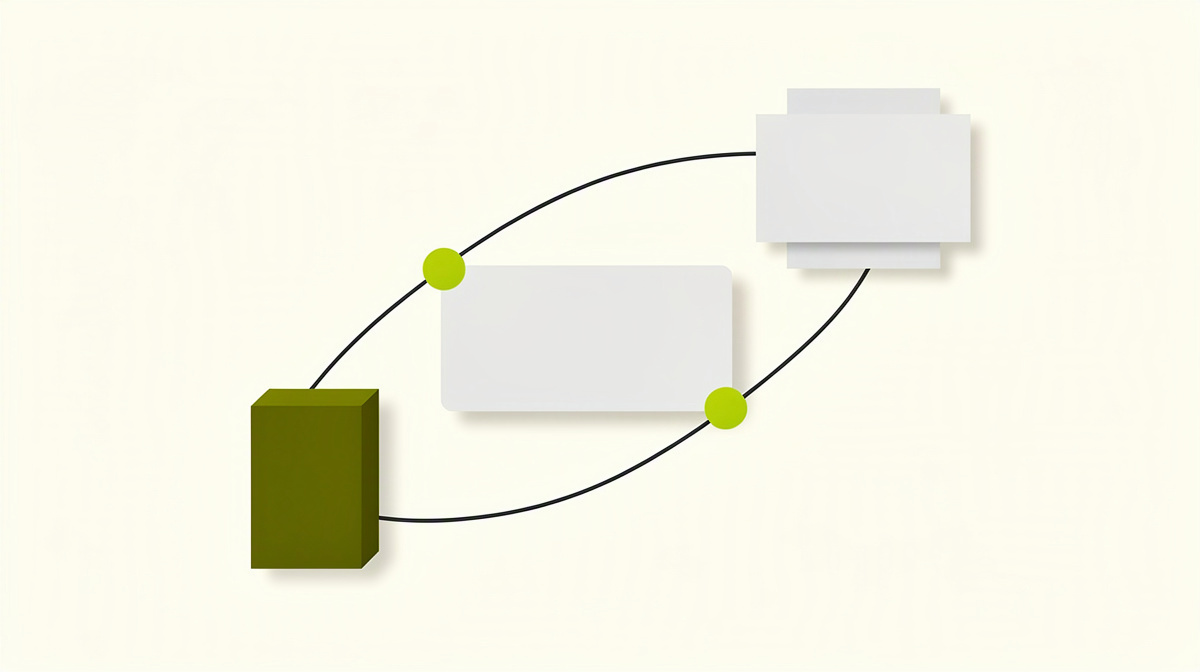
In Azure DevOps there are three common ways to do this. They pursue the same purpose, but start at different points in the process. This matters in operations, because not every link carries the same weight.
1. Linking directly in the pull request
A pull request in Azure Repos can be linked to one or more work items. This directly assigns the review process to the business reason: anyone reviewing the pull request can also see which requirement, task or bug the change belongs to.
This approach is especially useful if a branch contains several commits or commit messages are not always kept tidy in day-to-day work. The relationship then remains visible where the review actually happens. For larger changes, it also helps to look at the sensible size of a pull request. The limitation of this approach is that it says nothing yet about whether each individual commit is also properly referenced.
2. Linking from the commit with AB#id
Azure DevOps can assign a commit to a work item if the relevant ID is used in the commit message. Practical note: in commit messages, “AB#123” refers to the work item with ID 123.
Commit links are helpful because they arise early and remain visible even if several commits later flow into a pull request. That makes them useful for ongoing development and later reporting. Their weakness is obvious: incorrect or missing IDs do not produce a reliable chain. For that reason, an additional link or check in the pull request is often sensible. If a pull request stalls because of technical conflicts, you should not wait until afterwards to tidy up the assignment, but secure the relationship early; for the process, see Resolving merge conflicts in Azure Repos.
3. Linking from the work item
Teams can also add the relationship from the work item side, by referring there to branches, commits or pull requests. This completes the documentation in Azure Boards and is especially helpful where the business view is the leading one. The limitation: this maintenance can easily become inconsistent if there are no clear team rules for it.
The branch policy for linked work items
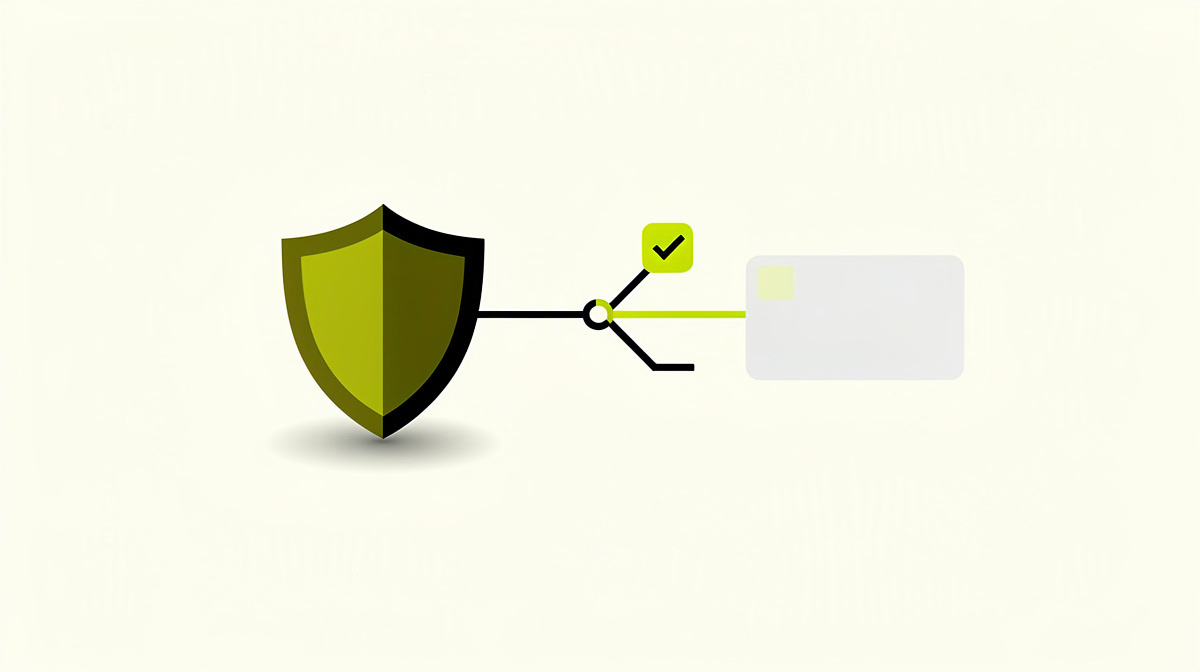
For this purpose, Azure Repos provides the branch policy “Check for linked work items”. It is set per target branch and ensures that a pull request does not satisfy the policy if no work item is linked. Microsoft Learn describes the basis for this in the Azure Repos branch policies, the branch policies overview and the recommendations for secure repositories and pull requests, each accessed on 01.11.2026.
Important in operations: like the other branch policies, this policy is switched off by default. So if you want to make traceability mandatory, you need to configure it deliberately.
For context, Azure Repos also includes these policy types:
- minimum number of reviewers
- comment resolution
- build validation
- status checks
- automatically included reviewers
- limit merge types
You should classify “Limit merge types” carefully. According to Microsoft, this setting primarily controls the history and is not a direct security mechanism; source: Microsoft Learn, “Secure Git repositories, pull requests, and forks in Azure Repos”, accessed on 01.11.2026.
For audits, this exact point can matter: if your evidence depends on the precise sequence of commits, squash is not always suitable, because the source commits are combined into a single commit in the target branch. In such cases, Microsoft recommends merge-commit strategies instead of squash; source: the same Microsoft Learn page, accessed on 01.11.2026. You can also find practical guidance on this in the article on choosing the right merge strategy.
In day-to-day work, the policy acts as a technical minimum barrier against a “PR without a relationship”. But it does not check whether the linked work item is actually the correct one in business terms.
That is why organisations usually apply such rules more strictly to protected branches such as main or release than to experimental branches or early draft pull requests.
Reporting on linked work and running it cleanly
For operations, what matters most with linked work is whether your reporting reflects the same rules as your review process. Otherwise you end up with lists that look formally complete, but carry little weight in practice. A typical example: a pull request is linked to a work item, but still has open status checks. A status check is an externally reported review status that Azure Repos can evaluate as a branch policy.
For robust reporting, a small number of clearly separated perspectives therefore helps:
- business relationship: which work item belongs to the change
- review path: which policies, builds and status checks were satisfied
- history: which merge strategy brought the change into the target branch
This matches Microsoft’s classification of branch policies in Azure Repos, accessed on 01.11.2026: reviewers, linked work items, comment resolution, build validation, status checks and other rules are separate policy types and are each switched off by default. For main, Microsoft recommends in its guidance for secure repositories, accessed on 01.11.2026, among other things at least two reviewers, linked work items, build validation and resolved comments.
As soon as you supplement reporting with AI-supported review steps, it is worth keeping a clean separation between comment, status and approval. According to Microsoft Learn on Copilot code reviews, accessed on 01.11.2026, the feature leaves a Comment Review and does not satisfy a Required Reviewer policy. For governance, that is a different signal type from a human review or a mandatory status.
If you want to keep an eye on a future product approach, with Polier you should look instead at the security and data position, the planned getting started options and packages, the currently still empty area for measured results and the public change log. As of 01.11.2026, Polier is in development and not yet available.
Frequently asked questions
Is the policy for linked work items on its own enough for a robust process?
No. It covers only one part of the chain: the visible relationship between the pull request and the business record. In Azure Repos, Microsoft lists further, separate branch policies, including minimum number of reviewers, comment resolution, build validation, status checks and automatically included reviewers; all are switched off by default. Source: Microsoft Learn, “Branch policies overview” and “Branch policies”, accessed on 01.11.2026.
For critical target branches, you should therefore not view linking in isolation, but together with review, build and status rules.
How should I deal with multiple work items in one pull request?
That is technically possible, but it quickly becomes unclear if reports or approvals are later read only at PR level. Define internally,
- when multiple work items are permitted in one PR,
- which work item describes the leading reason,
- and how bundled changes are counted in reporting.
Without this rule, the link can easily slide from traceability into mere filing.
What is currently different on Azure DevOps Server?
For current AI features, the difference is significant. According to Microsoft, Copilot code review is not available for Azure DevOps Server; Microsoft’s route for these AI services runs via Azure DevOps Services. Source: Microsoft Learn, accessed on 24.10.2026. The Azure DevOps MCP servers also did not support Azure DevOps Server on that date. Source: Microsoft Learn, “Remote MCP server troubleshooting”, checked on 24.10.2026.
So if you operate Server, you should assess separately which processes are described only for Services.
What should be considered regarding data location and the review of AI features?
With preview features, it is worth looking soberly at the limitations. For Copilot code review, Microsoft describes Public Preview, no SLA and possible changes; accessed on 01.11.2026. On data residency, Microsoft also states that processing may not be bound to the data residency boundaries of your Azure DevOps organisation. Source: Microsoft Learn FAQ, accessed on 01.11.2026.
If this is relevant for data protection, DORA, NIS2 or co-determination, clarify the specific assessment with your data protection officer or a lawyer.
Next step
First decide who checks the link and at what point it should become mandatory: already when creating the pull request, only before completion, or additionally in reporting. That way, you avoid the same rule being understood differently from one team to another.
A short operating rule with three points is helpful here:
- which target branch enforces the requirement
- when exceptions are allowed
- who visibly follows up deviations
If you want to keep an eye on future automation for this process: Polier is a coding agent for Azure DevOps from ballmüller solutions, Berlin, currently in development and, as of 01.11.2026, not yet available.