A pull request should be only as large as reviewers can fully review in one focused sitting. As soon as a change can no longer be read as a single, clearly connected unit, the pull request is usually too large for Azure Repos.
So the deciding factor is not a fixed line count, but whether the business intent, technical change and risks remain clear without constant mental context-switching. For teams using Azure DevOps Services, this size also depends on how you structure and prepare reviews in day-to-day work.
What helps most is setting a clear boundary for each PR:
- one recognisable change idea
- a logical, traceable connection
- a review that remains manageable within one block of work
If you gather changes first and sort them out later, the review becomes harder than it needs to be. Depending on the situation, either a well-prepared pull request or a draft pull request can be suitable for preparation.
What reviewers can realistically review
A pull request is reviewable when a knowledgeable person can read and assess it without having to switch topics. What matters is not simply the amount of code, but the cognitive load: how many assumptions, risks and review paths have to be held in mind at the same time?
In Azure Repos, reviewers usually assess several levels at once:
- business intent and expected behaviour
- edge cases and possible side effects
- how understandable the change is within the overall system
- whether the tests match the actual change
- consequences for operations, configuration or interfaces
It becomes difficult when a PR jumps between these levels. If someone is expected to assess application logic, test refactoring, configuration changes and structural changes all in one pass, it is easy to lose the thread. That increases not only the reading effort, but also the risk that individual points go unchecked.
For tech leads, the review process itself is also part of a PR’s size. Azure Repos branch policies are disabled by default. According to Microsoft Learn, “Branch policies overview” and “Use branch policies”, accessed on 01.11.2026, you can configure, among other things, a minimum number of reviewers, linked work items, comment resolution, build validation, status checks and automatically added reviewers.
In practice, the final iteration matters most. If your team requires at least one approval on the latest iteration after new pushes, changes added later on can quickly become difficult to follow. An iteration is the new state of a pull request after further commits.
A PR is therefore usually cut to the right size when reviewers can recognise its intent, risks and review path early on and stay with the same subject through to the end.
How to tell when a pull request is too large

A pull request that is too large often does not first stand out because of the size of the diff, but because of the way the review unfolds. If you have to keep switching mentally between several topics while reading, the scope is usually too broad.
Typical warning signs in everyday work include:
- One PR contains different kinds of change, such as business logic, renaming, test refactoring and pipeline changes.
- Comments revolve mainly around what actually belongs together.
- More substantial changes are added after the first feedback, instead of just targeted corrections.
- The description first has to sort out which parts are preparation and which parts change behaviour.
- The build is green, but the connection between the diff and the tests is still hard to follow.
- The PR sits untouched because nobody wants to review it in one focused block.
It is also noticeable when formal changes obscure the business-critical part. That includes broad formatting, moves or renaming. Such changes are not automatically wrong, but they can quickly make reviews unclear when mixed with behavioural changes.
For teams keeping an eye on new tools, one further point applies: only draw conclusions about quality, speed or value from robust measurements. For a product in development, it is therefore crucial to look at what has actually been measured and what stage has been publicly documented.
If you also want to understand what already applies to the planned service today and what does not yet, see status, data flow and limits. Information about the currently planned packages and the intended way to obtain them is set out separately under the preliminary packages and registration.
Splitting the work: stacked branches, feature flags, refactoring first
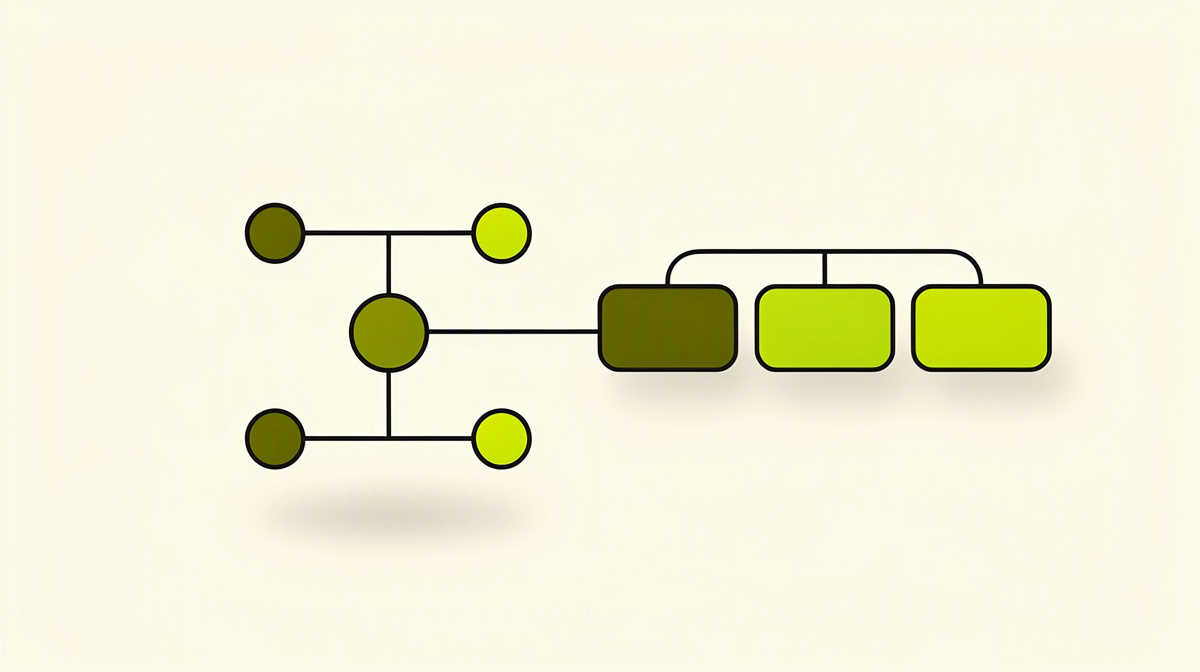
Large pieces of work become reviewable when you do not deliver them as a single package, but split them along understandable intermediate states. Each of those states should be understandable, buildable and meaningful in business terms on its own.
Stacked branches are branches or pull requests that build on one another, where a later PR is based on an earlier one so that each unit of change stays small and coherent. This is particularly useful when a change emerges in layers.
A typical pattern is:
- first the data model, contract change or interface
- then the use of it in the application code
- then tidying up, standardisation or removal of old paths
This means reviewers do not see everything at once, but one layer at a time. That reduces follow-up questions because each stage has a clearer intent.
A second pattern is feature flags. Here, behaviour is introduced gradually even though parts of the implementation have already been integrated. New paths can initially remain disabled while you deliver the technical groundwork, activation and clean-up in separate PRs. That keeps each step smaller.
However, feature flags only help if they are short-lived. If flags remain in place for a long time, complexity moves out of the review and into operations, testing and troubleshooting. So plan for their later removal from the outset.
The order “refactoring first” is equally helpful. Pure structural changes such as renaming, extraction or standardisation go into a separate PR. Only after that does the actual behavioural change follow. This separates improved readability from changed logic.
The same applies to tests and pipelines. If build or test refactoring is necessary, a preparatory PR just for the pipeline or test foundation is often worthwhile. The business change then builds on a basis that is already understandable.
To keep this split visible within the team, the linked work item in Azure Boards should also reflect the individual steps. That way, it is clear for each PR which partial piece of progress is currently being reviewed.
Limits imposed by some review tools
Alongside human review, there are also technical limits that matter when deciding the scope. They do not determine how large a pull request is allowed to be. But they do show when an additional review step will not run at all, or will run only with limitations.
For Azure Repos, Copilot Code Review is available in public preview according to Microsoft Learn, “Sprint 279 Update”, “Review pull requests” and “Copilot code reviews”, accessed on 01.11.2026. It can be enabled at organisation, project or repository level and triggered automatically via branch policy. Since Sprint 280, the effort levels Lite and Balanced are available for this.
For assessing PR size, these limits are particularly relevant:
- only active pull requests without merge conflicts
- repository up to 10 GB
- up to 100 changed files
- up to 100 changes
- limits on concurrent reviews per pull request, organisation and user
Microsoft Learn, “Copilot code reviews”, accessed on 01.11.2026, states these values explicitly.
The type of result also matters: Copilot always leaves a comment review. According to Microsoft Learn, “Review pull requests”, accessed on 01.11.2026, this does not satisfy a required-reviewer policy and does not block merging. So for teams with mandatory approvals, it remains an additional signal, not a replacement sign-off.
The operating context also matters. Preview features may change and do not come with an SLA. In addition, the Microsoft Learn FAQ, “Copilot code reviews FAQ”, accessed on 01.11.2026, mentions possible processing outside the data residency boundaries of your Azure DevOps organisation. Whether that matters for you in relation to data protection, DORA, NIS2 or co-determination should be checked with legal counsel or your data protection officer.
Common practical questions
Which Azure Repos policies really help with large pull requests?
It is not the size of the diff itself that can be safeguarded, but the review path. In Azure Repos, according to Microsoft Learn, “Branch policies overview”, “Use branch policies” and “Securely use repositories, pull requests, and forks in Azure Repos”, accessed on 01.11.2026, these policies are relevant among others:
- minimum number of reviewers
- linked work items
- comment resolution
- build validation
- status checks
- automatically added reviewers
All are disabled by default. For Main as a security baseline, Microsoft recommends, among other things, at least two reviewers, automatically added reviewers for sensitive paths, linked work items, build validation and resolved comments.
Does the number of commits count towards PR size?
Only indirectly. Many small commits can make a PR easy to explain. But they can also make it unsettled if corrections, reversions and side topics are mixed together.
What matters more is whether the iterations remain clear. In Azure Repos, an iteration is the new state of a pull request after further pushes. If your team requires approvals on the latest iteration, a PR becomes harder to review as soon as further substantial changes are added after feedback.
For audit and traceability, which matters more: squash or merge commit?
That depends on your team’s evidence model. According to Microsoft Learn, “Securely use repositories, pull requests, and forks in Azure Repos”, accessed on 01.11.2026, “Limit merge types” is not a direct security control, but governs the history.
Squash creates a more compact target history. If the exact sequence of commits is important for traceability, Microsoft recommends merge-commit strategies instead of squash. But for the reviewability of a large PR, this is only a side issue: the review effort arises before the merge.
What does this mean in practice?
Scope PRs so that policies, builds, comments and approvals all apply to one clearly defined subject. Then not only does the diff fit the review better, but the entire process in Azure Repos does too.
Next step
Agree a simple working rule for your team: a pull request only goes into review once its goal, boundary and review question can be stated in two or three sentences. That clarifies the scope before the first comment.
A short checklist helps in practice:
- What exactly is changing?
- What is deliberately no longer included in this PR?
- Where should the review begin?
If you are following developments around Azure DevOps Services: as of 01.11.2026, Polier is in development and not yet available.