A PR template in Azure Repos consists of clear wording and a short checklist covering exactly the information that would otherwise be missing in the review. Only information that requires human judgement is worth including; anything repeatable belongs not in free text, but in the pull request process in Azure DevOps.
A pull request brings together the change, the discussion and the approval in a single process. If the description is concise and unambiguous, reviewers can see sooner what the change is about from a business point of view, what was changed deliberately and where they should look more closely.
For most teams, this separation is enough to get started:
- brief context for the change
- concise rationale
- only meaningful review points as a checklist
That keeps the description from turning into a log or a second diff view. It complements the technical review instead of obscuring it with generic phrases.
Why a template helps reviewers
A good PR template makes reviews easier in an unobtrusive but important place: the starting point. When someone sees a change for the first time, they need context first, not even more raw data from the diff, commits and build logs.
What helps most is answering questions such as:
- What is the business reason for the change?
- What assumption sits behind it?
- Where is a closer look worthwhile?
- What is deliberately not part of this PR yet?
That shifts the conversation more quickly towards architecture, edge cases and operational impact. Without this context, reviews often begin with avoidable follow-up questions or comments that miss each other.
For leads, this is useful because the template makes expectations visible without forcing every review into the same style. For authors, it provides a small framework: enough context for others, but not a dumping ground for things that are better checked through policy, status or pipeline rules.
What matters here is not completeness, but comparability. If PRs are structured in a similar way, they can be read more quickly. That is particularly helpful when several services, repositories or areas of responsibility come together.
A template is also the right place for brief notes on review boundaries or open assumptions. Especially for topics around identities, data flows or guardrails, a short note in the PR helps, while the broader context remains available on a separate page such as security and data matters.
In short, the template creates shared prior knowledge. That is exactly what makes reviews calmer and more precise.
Where Azure Repos looks for pull request templates
A pull request template is most useful where your team finds it directly when creating the PR: in the repository itself. That way it stays versioned, evolves with the development process and belongs to the same change path as code, tests and pipeline files.
For maintenance, a simple separation has proved effective:
- one standard template for the usual case
- targeted variants for target branches with their own requirements
Such differences make sense above all when the review questions genuinely change. With release or hotfix, the focus is often more on rollback, configuration, data changes or affected operational processes than with an ordinary feature change.
Keep the template deliberately brief. The more special cases you pack into a single text, the more likely it is that gaps or vague stock wording will appear. A small core structure is better, with variants only where the target branch requires different information.
If you adjust the review process later on, treat that change like any other technical change: traceable, in the repo and with a short rationale. For visible product changes, a look at the public changelog is more appropriate than a path in the description.
Azure Repos defines the exact folder and file-name search behaviour. So check those locations in the current product documentation before rolling the template out across the team.
A practical structure: what, why, how it was checked, risks
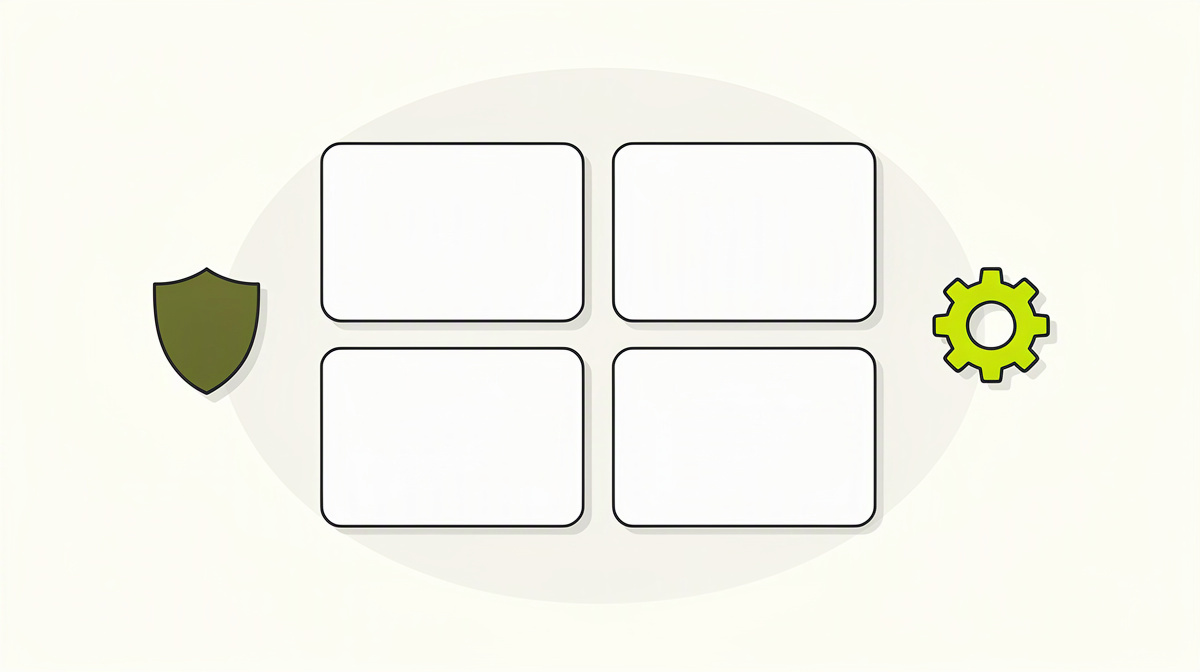
For a pull request description, a fixed four-part structure is usually enough. It helps authors and reviewers find the same information in the same place:
- What was changed?
- Why was it changed?
- How was it checked?
- What risks, impacts or open points are there?
The first block is purely for orientation. Name the affected components, important files or the affected layer, for example API, data access, pipeline or UI. Do not repeat the entire diff view. The description should frame the reading of the changes, not retell the changes in full.
In the second block, describe the reason. This is where the reference to the problem, ticket or business intent belongs. A short sentence stating whether existing behaviour was corrected, extended or reworked is just as helpful. That lets reviewers understand more quickly what kinds of effects they should look for.
The third block is the proving ground. Briefly list what actually ran: automated tests, build, a manual check of a specific flow or a targeted check of an edge case. Avoid blanket formulas such as “everything tested”. Statements like that are of little use in review because it remains unclear what they mean in practice. Precision is better than free text that merely sounds comprehensive. If, with AI-assisted development tools, you are still waiting for later evidence, keep that clearly separate from the PR description as well; for a product in development, robust results would only make sense on a page such as measured results.
In the fourth block, collect everything that may have an impact: deployment risks, possible side effects, backwards compatibility, required configuration, data migration, feature flags and known remaining points. This part in particular saves follow-up questions, because it often contains the things that are not directly apparent from the code.
As for tone: keep it short. Bullet points are often better than prose. A pull request description is a working document, not a final report.
A compact content formula is often enough: “Change: … | Purpose: … | Checks: … | Risks/impact: … | Linked work item: …”
The reference to the work item is not only useful administratively. Azure Repos can use branch policy to check whether work items are linked; see Microsoft Learn, branch policies overview, accessed on 01.11.2026. If you later want to assess how a tool is meant to represent this step in future, with offers still in development pay more attention to status and functional scope than to preliminary package and sign-up information.
Which checklist items are better checked by tools
The principle is simple: anything that can be checked reliably by a machine should not end up as a tick box in the PR description, but as a policy or pipeline rule. Otherwise, you are asking people to confirm manually things that Azure Repos can check more reliably anyway.
Azure Repos provides several branch policies for this: minimum number of reviewers, linked work items, comment resolution, allowed merge types, build validation, status checks and automatically included reviewers. All of these rules are switched off by default. Source: Microsoft Learn, “Branch policies overview”, accessed on 01.11.2026.
In practice, that means: do not write “CI is green” in a checklist if build validation would block the pull request anyway when the build or tests fail. The same applies to “ticket linked”: the “Check for linked work items” policy is more reliable than a manually ticked sentence. And instead of “all comments answered”, “Check for comment resolution” is the cleaner place, because it treats open discussions as an actual condition.
Reviewer assignment should also not be hidden in reminder text if it can be avoided. For sensitive paths, automatically included reviewers are usually more suitable than a note in the description. In its security baseline for main, Microsoft recommends, among other things, two reviewers, automatically included reviewers for sensitive paths, linked work items, build validation and comment resolution, as well as restrictive assignment of bypass permissions. Source: Microsoft Learn, “Securely use repositories and pull requests”, accessed on 01.11.2026.
For merge types, the main issue is history, not a direct security property. Squash keeps target history compact, but combines the source commits. If your audit model needs the exact commit sequence, Microsoft recommends merge-commit strategies. Source: Microsoft Learn, “Securely use repositories and pull requests”, accessed on 01.11.2026.
Status checks, finally, are intended for checks that are neither a pure build nor a classic reviewer vote. An internal or external service sets a pull request status which you can then use as a mandatory check.
Frequently asked questions about the pull request template
What should not go into the PR template?
Things that are already clearly visible in the diff, the linked work item or the policies do not belong in the template. That includes long lists of changes, complete test logs, general explanations with no direct link to the change and formulaic sentences such as “please review”.
Also impractical is anything that appears in free text only because a team has not yet set up a suitable rule. A template is there to provide context, not to replace process rules.
How can I tell that our template is overloaded?
Usually by three patterns:
- Authors regularly skip fields.
- Reviewers ask the same things again despite the template.
- The description feels longer than the actual introduction to the change.
If that happens, it is worth shortening it. Remove every point that rarely leads to a different review decision.
Should the template distinguish between different kinds of changes?
Yes, if that leads to different questions in review. A bug fix often needs different pointers from a change to pipeline, infrastructure or the data model.
For that, small markers in the template are usually enough, for example:
- Behaviour change
- Configuration change
- Data change
- Operationally relevant impact
That lets reviewers see more quickly what kind of review is needed here.
How should I handle sensitive information in the PR description?
Be as specific as necessary, but do not bring secrets, credentials or internal security details into the template. For reviews, it is often enough to know that an identity, a data flow or a permission is affected.
For data protection, DORA, NIS2 or co-determination, the PR template is not the place for legal assessments. Describe the issue briefly and clarify the assessment with legal counsel or data protection officers; for matters relating to performance or behavioural monitoring, also with the relevant bodies within the company.
Is a PR template also suitable for agentic workflows?
Yes, especially then. If a pull request is prepared automatically from a work item at some point, the review still needs a concise, verifiable frame. It remains important that the team’s branch policies apply and that the actual merge is not carried out by the agent. As of 01.11.2026, such a product is under development at ballmüller solutions as Polier and is not yet available.
Next step
Treat the PR template like a small part of the team process: concise, maintained deliberately and extended only when it genuinely leads to better questions in review.
For the next revision, three simple review questions usually help:
- Are reviewers regularly missing the same context?
- Would a point fit better in a policy or pipeline rule?
- Is a field still useful or just habit?
That keeps the template readable and close to the real review. Anything that can be checked reliably without free text should disappear from the description again.